





















What is SaaS (software as a service)?
SaaS (software as a service) is a cloud-based software delivery model in which users access applications over the internet, without local installation or their own infrastructure. The provider handles operations, maintenance, and updates. Companies benefit from flexible usage, lower IT overhead, and a usage-based pricing model. Bissantz provides companies with BI-solutions in a SaaS model.
| Feature | Details |
| Category | Cloud service model, software delivery |
| Applications | Business applications, CRM, ERP, business intelligence, collaboration, HR |
| Typical use cases | Ready-to-use software without installation, scalable BI solutions, remote work |
| Related terms | IaaS, PaaS, cloud computing, on-premises, multi-tenancy, SLA |
| Benefits | Cost efficiency, automatic updates, fast implementation, low IT overhead, scalability |
At a glance
subscription-based: monthly or annually, often depending on usage
the provider handles operations, maintenance, security, and updates
platform-independent: access through a browser or app on any device
scalable: users and features can be adjusted flexibly
BI solutions such as DeltaMaster and DeltaApp are also available as SaaS
SaaS definition
The acronym SaaS stands for software as a service and refers to a cloud-based software delivery model in which applications are provided and accessed over the internet. Instead of installing and managing software locally, users access it through a web browser or mobile app. A SaaS model therefore enables flexible use across different devices and typically offers usage-based or subscription-based pricing, reducing both costs and administrative overhead.
The provider is responsible for operating, maintaining, and securing the underlying infrastructure. Companies therefore do not need to host, maintain, or regularly update the software themselves. SaaS eliminates the need to invest in expensive hardware or IT expertise to manage the software. Instead, companies benefit from fast implementation, automatic updates, and high scalability.
Common examples of SaaS solutions include collaboration tools such as Slack, cloud-based office solutions such as Microsoft 365, and CRM systems such as Salesforce. Business intelligence solutions such as DeltaMaster and DeltaApp can also be used as SaaS.
How does SaaS work? – the SaaS business model
Under the SaaS business model, software applications are centrally hosted in the cloud and fully managed by the provider, allowing customers to access them flexibly at any time without local installation. The key characteristics of the SaaS model are:
Cloud-based delivery: The provider hosts, maintains, and updates the software, while customers access it through a web browser or app.
Multi-tenant architecture: A single software instance serves multiple customers while keeping their data and configurations strictly separated.
Provider responsibility: The provider is responsible for scalability, data backup, compliance with SLAs, security measures, and regular updates.
Service level agreement (SLA): The SLA defines performance and availability standards, data protection requirements, support, and responsibilities.
Pricing model: SaaS typically uses usage-based subscriptions, billed monthly or annually. Pricing often depends on the number of users or the scope of functionality.
IaaS vs. PaaS vs. SaaS: what is the difference?
The three main models of cloud computing — infrastructure as a service (IaaS), platform as a service (PaaS), and software as a service (SaaS) — differ significantly in their functionality and areas of application. They address different business needs and shift different IT responsibilities to the provider.
| Feature | IaaS | PaaS | SaaS |
| What is provided? | Servers, storage, networking | Infrastructure + development platform | Ready-to-use software application |
| User control | High | Medium | Low |
| Provider responsibility | Infrastructure | Infrastructure + platform | Everything |
| Examples | Microsoft Azure VMs, AWS EC2 | Google App Engine | Microsoft 365, Salesforce, DeltaMaster |
IaaS (infrastructure as a service) provides fundamental IT resources such as servers, networks, and storage. It offers maximum control and flexibility for companies that want to run or develop their own applications without investing in on-premises hardware. It is ideal for variable workloads and cost optimization.
PaaS (platform as a service) goes one step further by providing a complete development environment, including hardware, middleware, and development tools. It enables teams to develop, deploy, and scale applications quickly and cost-effectively without having to manage the underlying infrastructure.
SaaS (software as a service) provides a ready-to-use software solution that can be accessed over the internet. Users neither need to develop applications nor manage IT resources; they simply access the hosted services. This is ideal for standardized applications such as CRM, ERP, or email.
The right model depends on the company’s requirements: IaaS and PaaS are primarily designed for developers and IT teams, with IaaS offering maximum control and PaaS making it easier to develop custom solutions. SaaS stands out for its ease of use and is aimed at end users who need ready-to-use applications.
What is the difference between a SaaS cloud solution and an on-premises solution?
Cloud and on-premises solutions differ fundamentally in how they are delivered and managed. With SaaS, the software is provided through the cloud, while the provider manages the entire technical infrastructure and regular updates. By contrast, on-premises solutions are installed directly on a company’s internal servers and devices, require extensive maintenance by the IT department, and are typically based on one-time license purchases.
| Feature | SaaS | On-premises |
| Delivery | Cloud, through the provider | Locally on company-owned servers |
| Installation | None — accessed through a browser | Required, handled by the IT department |
| Maintenance and updates | Fully managed by the provider | Managed by the internal IT department |
| Cost structure | Ongoing subscription costs | High upfront investment, ongoing operating costs |
| Scalability | Flexible, can be adjusted quickly | Limited, dependent on hardware |
| Data control | With the provider, subject to contractual safeguards | Fully controlled by the company |
| Best suited for | Fast implementation, limited IT resources | High data protection requirements, specific customization needs |
The cost structure also differs: On-premises solutions often require substantial upfront investments, while SaaS is typically funded through subscriptions. Since the two approaches address different business needs and strategies, the choice between them depends on a company’s specific requirements and priorities.
What are the benefits of SaaS?
Software as a service offers companies and users numerous benefits that traditional software models often cannot match, making SaaS an attractive option for businesses:
Cost efficiency: SaaS solutions do not require large upfront investments in hardware or software because everything is provided through the cloud, and companies generally pay only for the services they actually use.
Automatic updates: SaaS providers handle regular software updates and security patches, ensuring that users always have access to the latest version without having to take action themselves.
Low IT overhead: The provider handles infrastructure maintenance and management, reducing the burden on internal IT resources.
Scalability: Companies can easily adjust software usage to their current needs and pay only for the resources they actually use. Additional users or features can be added or removed at any time.
Fast implementation: SaaS solutions are often immediately available and ready to use without complex installation processes, enabling rapid deployment across the organization.
Accessibility and flexibility: SaaS is platform-independent and can be used on different devices such as PCs, tablets, and smartphones — making it ideal for remote work and distributed teams.
High level of security: SaaS services provide comprehensive protection for data and applications through centralized management and specialized security measures.
What challenges does SaaS present?
Despite its many benefits, the SaaS model also comes with potential challenges:
Dependence on the internet: SaaS applications require a stable internet connection, making outages or poor availability potentially disruptive.
Data security and privacy: Storing sensitive data in the cloud requires comprehensive security measures to comply with data protection requirements and minimize risks.
Migration: Moving from on-premises solutions to SaaS can be time-consuming and technically challenging in some cases.
Limited customization options: Some SaaS solutions offer only limited options for adapting the software to specific business requirements, particularly compared with on-premises software.
Bissantz and SaaS
Bissantz also offers powerful business intelligence solutions in the SaaS model with DeltaMaster and DeltaApp. The focus is on user value: Instead of complex technical installations, companies get direct access to a ready-to-use application—regardless of location, device, or internal IT infrastructure.
Mid-sized companies in particular benefit from DeltaMaster as a SaaS solution: They get a full-featured BI platform with preconfigured data models, reports, and dashboards—ready to use in the secure Bissantz data center or on a partner’s platform.
Bissantz’s SaaS offering combines the benefits of modern cloud delivery — including automatic updates, low IT overhead, and high scalability—with the proven strengths of Bissantz products: intelligent data analysis, clear, intuitive visualization, and efficient decision support. With multi-tenancy and role-based access control, the solution is suitable both for individual companies and for enterprise structures with distributed organizational units.
For customers with higher data protection or IT governance requirements, Bissantz also offers flexible hybrid or private cloud models—including deployment within the customer’s own infrastructure (on-premises). This means that the choice between SaaS and other deployment models is determined by the optimal use case, not by technical limitations.
FAQ: frequently asked questions
SaaS means that you don’t buy software and install it on your computer. Instead, you use it over the internet—similar to using Netflix without buying DVDs. You sign in, work in a browser or app, and the provider takes care of everything technical in the background: servers, updates, and security. Users typically pay monthly or annually — only for what they actually use.
Cloud is the broader term for IT services delivered over the internet, including infrastructure (IaaS), development platforms (PaaS), and software (SaaS). SaaS is a specific form of cloud usage: ready-to-use software applications delivered through the cloud. Not every cloud solution is SaaS—but every SaaS solution is a cloud solution.
SaaS providers invest heavily in security measures—often more than individual companies could afford to implement themselves. However, contractual safeguards are critical, including GDPR-compliant data processing, data residency (EU-based servers), encryption, and clear SLAs. For particularly sensitive data, providers such as Bissantz also offer private cloud or on-premises options.
SaaS is particularly well suited to companies that want to get started quickly, do not want to maintain extensive IT infrastructure, or are growing rapidly and need to scale flexibly. Mid-sized companies benefit in particular: They get enterprise-grade functionality without an enterprise IT budget. SaaS is also ideal for distributed teams and organizations with remote work models.
Summary
SaaS has fundamentally changed the way companies use software. Instead of large upfront investments, complex installations, and extensive IT administration, SaaS provides immediate availability, automatic updates, and flexible scalability. With DeltaMaster and DeltaApp, Bissantz offers powerful BI solutions in a SaaS model — combined with the flexibility to switch to hybrid or on-premises models when needed. This allows the deployment model to adapt to the company’s requirements — not the other way around.
Free of charge for you
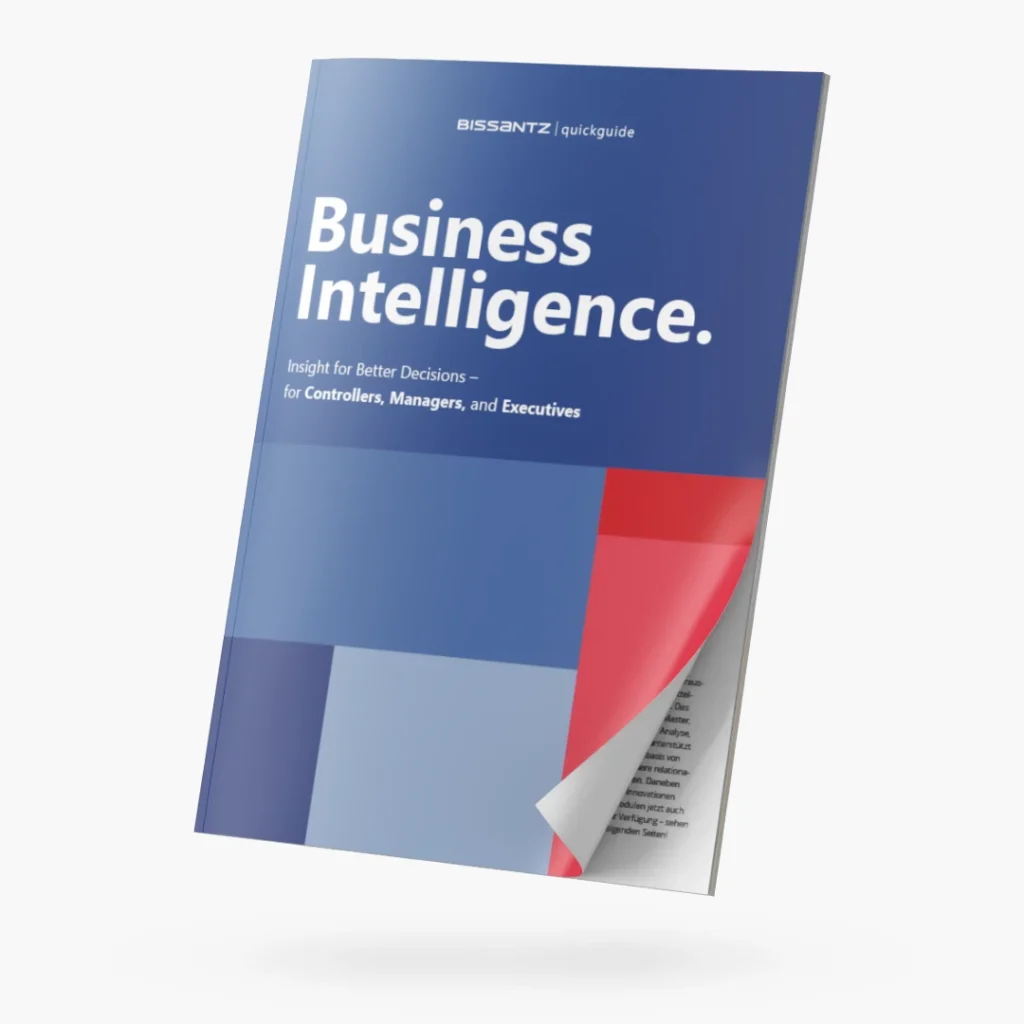
Quickguide "Business Intelligence": download now!