








































What is a user interface?
A user interface (UI) is the interface between humans and machines—the visual and interactive part of an application through which users interact with digital systems. It includes all visible and functional elements such as buttons, menus, input fields, and icons. A well-designed UI is intuitive, efficient, and enables clear, seamless interaction. Bissantz applies these principles to business intelligence software.
| Feature | Details |
| Category | Software design, human-machine interaction, UX/UI design |
| Areas of application | Software, websites, mobile apps, business intelligence, operating systems |
| Typical use cases | Dashboard design, BI interfaces, mobile apps, web applications, operating systems |
| Related terms | User experience (UX), GUI, usability, interaction design, accessibility |
| Benefits | Usability, efficiency, intuitiveness, user acceptance, decision support |
At a glance
includes all visual and functional elements of a digital application
different types of UI: GUI, CLI, VUI, NUI, and others
distinction from UX: UI focuses on design, while UX focuses on the overall experience
critical to software usability, efficiency, and user acceptance
UI definition
A user interface (UI) is the interface between humans and machines and therefore refers to the visual and interactive part of an application with which users can interact. Users work with digital systems such as software, websites, or devices through the user interface.
It includes all visual and functional elements that enable users to operate the system, including buttons, menus, icons, and input fields. A well-designed UI is characterized by ease of use, intuitive navigation, and an appealing design, making interaction efficient, easy to understand, and pleasant for the user.
Types of user interfaces
Brain computer interface (BCI): A brain computer interface (BCI) enables users to control computers or devices directly through their thoughts using EEG technology. It is being researched in areas such as prosthetic control, assistive systems, and gaming applications, particularly to provide people with disabilities with new ways to interact with technology.
Command line interface (CLI): Text-based interfaces in which users interact with a system by entering commands, such as on computers.
Graphical user interface (GUI): Graphical user interfaces are common in standard software and use visual elements such as windows, icons, and menus that can be operated with a mouse or touch. Today, the GUI is the standard user interface for computers.
Natural user interface (NUI): A natural user interface (NUI) responds to natural forms of input such as voice, touch, or movement. It is used in gaming consoles such as Xbox and Wii, where users control the system through their own body movements or those of a controller.
Perceptual user interface (PUI): A perceptual user interface (PUI) combines graphical, voice-based, and gesture-based controls. It is designed around natural forms of interaction and is being extensively researched to improve the perception and processing of stimuli.
Tangible user interface (TUI): A tangible user interface (TUI) enables users to interact with digital systems through physical objects. It is often used in museums and educational settings to make abstract content more tangible and experiential.
Text user interface (TUI): A text-based system that operates in text mode and enables navigation through menus. Text user interfaces (TUIs) are often used in setup programs, bootloaders, and operating system installations.
Voice user interface (VUI): A voice user interface (VUI) is a voice-controlled interface that supports both voice input and output. Applications include connecting calls, converting speech to text, and using speech output as an accessibility aid.
What is the difference between UI and UX?
The difference between user experience (UX) and user interface (UI) lies primarily in their respective focus:
User experience (UX) focuses on the overall interaction with a brand and its products or services.
User interface (UI) refers to how users interact with a product and focuses specifically on the visual and interactive design of the interface — what users see and interact with.
| Feature | User interface (UI) | User experience (UX) |
| Focus | Visual and interactive design | Overall interaction experience |
| Question | What does it look like, and how is it operated? | How does using it feel? |
| Elements | Buttons, colors, typography, layout | User flow, information architecture, emotion |
| Goal | Intuitive, appealing interface | Positive, efficient overall experience |
| Analogy | The appearance and controls of a car | The driving experience and overall experience |
What makes a good user interface?
An effective UI in a business context needs to meet several requirements simultaneously:
Intuitiveness: Users understand the interface without training
Efficiency: Relevant information can be found and understood quickly
Consistency: Consistent design principles reduce cognitive load
Error tolerance: The system guides users safely and prevents incorrect inputs
Accessibility: The interface can also be used by people with disabilities or other limitations
Focus: Unimportant information recedes into the background while relevant information is emphasized
In a business intelligence context in particular, a UI is only effective if it speeds up decision-making rather than slowing it down.
Bissantz and user interfaces
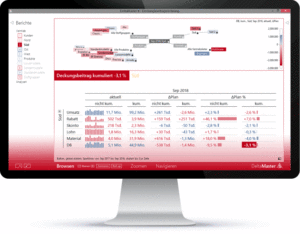 The user interfaces of DeltaMaster and DeltaApp follow a clear design philosophy: They are not an end in themselves but part of a methodical approach to analysis that focuses on what matters most — recognizing, understanding, and acting on information relevant to decision-making. Bissantz sums up this principle in its guiding motto: “See. Understand. Act.”
Rather than following conventional graphical user interface patterns, such as decorative visuals, icons, or interactive gimmicks, Bissantz focuses on the cognitive optimization of the user interface (UI). The central question is how people can perceive and evaluate numbers more quickly and reliably — an approach supported by numerous scientific studies and patents such as Haptic Reasoning®.
UI principles in DeltaMaster and DeltaApp
Typographically scaled numbers (Bissantz’ Numbers): Instead of using color codes or separate charts, the relevance of key figures is made directly visible through font size, emphasis, and position within the numerical display. Important values “stand out,” while less important ones recede into the background — without requiring additional explanation.
Integrated microvisualizations: Sparklines, bars, proportions, and traffic-light indicators are embedded directly into tables to show trends, distributions, and outliers — close to the underlying content, compact, and without requiring additional interaction.
Quiet interaction instead of click overload: The UI in DeltaMaster follows the principle of answering analytical questions with as few interaction steps as possible. Automated suggestions, smart navigation, and context-sensitive analyses reduce the effort required from users to a minimum.
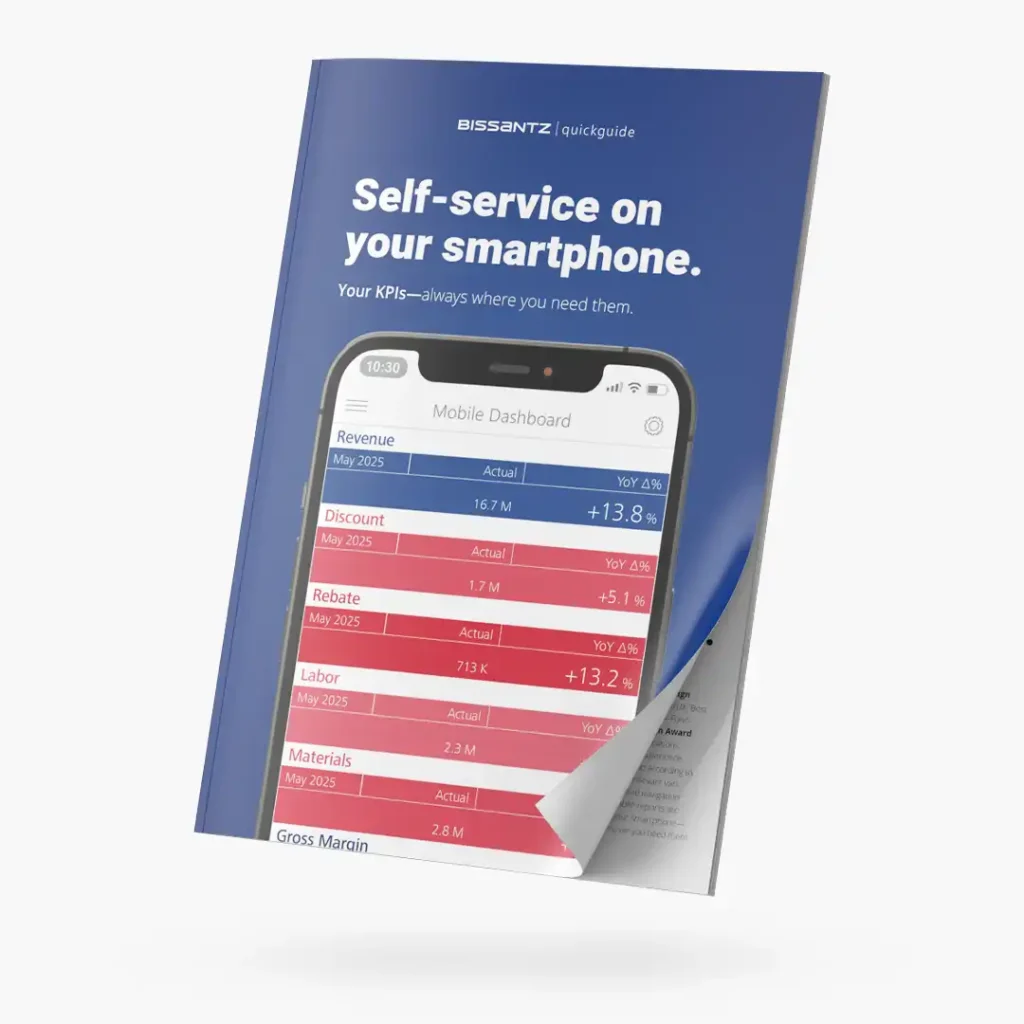
DeltaApp for mobile applications: The same philosophy applies on mobile devices: DeltaApp brings relevant key figures and variances to smartphones through clear, typographic, and visually condensed representations. Instead of dashboards overloaded with visualizations, it provides a mobile management cockpit focused on management attention — ideal for quick orientation and decision-making on the go.
Patented methodology: Haptic Reasoning®
A central element of Bissantz’s UI philosophy is the patented Haptic Reasoning® method. It describes the principle that the eye—much like the sense of touch—“feels” where action is required. Numbers are presented visually in a way that automatically directs attention to areas where anomalies occur—without additional “clicking,” “filtering,” or “configuring.” This visual intelligence turns the UI into an active partner in decision-making.
FAQ: frequently asked questions
A user interface is everything a user sees and interacts with when using software or an app — buttons, menus, input fields, colors, and fonts. It is the “surface” between the person and the system behind it. A good UI makes the software easy and intuitive to use; a poor UI causes frustration and slows users down.
GUI (graphical user interface) is a specific type of UI—namely, a graphical interface with visual elements such as windows, icons, and menus. UI is the broader term for all types of user interfaces, including text-based (CLI), voice-controlled (VUI), and touch-based interfaces. Today, GUI is the dominant form of UI for computers and mobile devices.
In a BI context, the UI determines how quickly users can grasp relevant information and turn it into decisions. An overloaded, confusing interface slows down analysis, while a cognitively optimized UI accelerates it. Bissantz has consistently implemented this principle with Haptic Reasoning® and Bissantz’ Numbers: The UI automatically directs attention to what matters most.
UI design focuses on the visual and interactive interface—colors, typography, layouts, and buttons. UX design focuses on the entire user experience—user flow, information architecture, and emotional response. Good UI is a prerequisite for good UX, but UX encompasses much more: It begins with the first interaction with a product and does not end with the last click.
Summary
A user interface is the bridge between people and digital applications—and it has a major impact on how efficiently, intuitively, and comfortably a system can be used. In a business intelligence context, a cognitively optimized UI is particularly valuable: It directs attention to what matters most, reduces cognitive load, and accelerates decision-making. Bissantz consistently applies this approach in DeltaMaster and DeltaApp, using patented methods such as Haptic Reasoning® and typographically scaled numbers to turn data directly into decision-relevant insights.
Related terms: deepen your knowledge
Free of charge for you
Quickguide "Mobile BI“: download now!