



























Data analysis tool for clear insights
The data analysis tool by Bissantz turns reports and key figures into clear signals – for faster, data‑driven decisions across the entire company.
AI modules for the rapid creation of reports and ad-hoc analyses
data mining methods suitable for specialist users
clear, patented data visualization
close integration with planning and reporting in one interface



Data analysis tool for easy and efficient decision-making
Bissantz delivers clear signals on deviations, risks and opportunities – within seconds
Bissantz makes analyzing company data easier and more efficient than ever before. This is achieved by integrated AI modules, patented visualizations and our extensive method library, which offers the right data analysis method for every business question. Our data analysis software DeltaMaster supports both standard evaluations and flexible special analyses.
Managers receive condensed overviews with clear signals, while specialist departments work with detailed reports that provide comprehensive insights. The data analysis tool remains flexible enough to accommodate individual requirements – without losing established standards or shared KPI frameworks.

Data overload, lack of clarity?
Many companies collect and report figures but hardly analyze them systematically – or only with immense effort. Important deviations and patterns remain hidden in a blur of numbers. The Bissantz data analysis tool automatically identifies relevant signals, condenses large data volumes and makes deviations, trends and outliers visible at a glance – with clear drill-down paths into the details.

Unclear causes?
Tracking down the causes of deviations can cost controlling and specialist departments a lot of time – across many systems and tables. Bissantz links data from different sources and enables consistent business intelligence and data analyses. Users can navigate from overview to detail, detect patterns and drivers and devise measures based on reliable facts.

Isolation and system discontinuities?
Planning and reporting often use separate tools, resulting in duplicate logic maintenance. With Bissantz, planning, forecast, and actual data are linked in an integrated data model. The data analysis tool provides consistent structures and rules, enabling users to analyze and comment on deviations between plan, forecast, and actual data with just a few clicks.
Market leaders and hidden champions trust us.





Analyses that create immediate clarity
From management figures to specific details – Bissantz enables data analyses throughout the entire company
With data analysis software by Bissantz, data from all upstream systems can be consolidated into a consistent model. The data analysis tool automatically shows the most important deviations, causes, and correlations. Instead of searching manually in tables,
proven navigation and visualization functions lead you directly to the relevant details. In this way, business intelligence makes insightful data analyses accessible for everyday use – from management figures to detailed entries in controlling and in all functional areas.
Data analysis software
that thinks ahead
Data analysis software by Bissantz combines business logic and technology. The data analysis tool is closely integrated with the underlying data model: key figures, structures, and rules only need to be maintained once and are consistently available in all evaluations. Users receive ready-made report templates, data analysis paths, and visualization concepts that have proven themselves in practice. This turns data analysis in business intelligence into a repeatable process that delivers reliable results and reduces the workload for specialist departments.

Automatic signal concept
The data analysis tool automatically highlights relevant deviations, trends and outliers.

Consistent business logic
Key figures and structures are defined centrally and can be used consistently wherever needed.
Self-service data analyses
Specialist users create their own analyses in the data analysis tool – based on a central data model.
Powerful data analysis tool with a
broad method portfolio
Bissantz offers a wide range of business methods for analyzing company data
Our data analysis software DeltaMaster supports numerous analytical procedures, such as rankings, time series, portfolio, distribution, ABC and location analyses, geo-analyses on maps, cross tables and early warning functions. Special analyses, such as those relating to campaigns, website visitor data, quality values, or customer surveys, can also be conveniently performed using integrated statistical functions.
AI-based data mining processes support data analyses in which the question is not known in advance but should result from the data itself. To this end, we have developed interactive report formats for desktop and smartphone that allow specialist users to get started with deviation analysis and cause analysis as early as in the reporting stage –without discontinuities and without additional tools.
ABC-Analysis
The result of DeltaMaster’s automatic ABC- analysis is a clear table with an initial proposal for the classification. Of course, the class boundaries can be changed individually. It doesn’t matter which database the data comes from – the analysis works with Microsoft Analysis Services and SAP BW as well as with Oracle and the other databases that DeltaMaster supports.

Data mining and statistics
Specialist-user-friendly data mining methods enable analyses in which the question is not known in advance but should result from the data itself. Our AI algorithms are so easy to use that data scientists, specialist users and managers enjoy using them just as much as management boards, supervisory boards and owners.

Geo-Analysis
In the data rooms of companies, maps are a valuable orientation aid if a connection between locations and values is suspected. DeltaMaster’s geo-analysis shows where and how much by showing colored areas on geographical or individually created maps, such as floor plans. A double-click takes you closer and deeper: with a drill-down, directly from the map, subtleties become visible.

Multiples
In multiple reports (multiples), several reports can be arranged individually next to each other, for example a graphical table with sales by customer, another with sales by product and a geo-analysis with plan deviations. For this purpose, the screen can be divided into a configurable grid, the fields of which can be filled with selected DeltaMaster reports. The sub-reports retain their interactivity.

Portfolio analysis
Portfolio analysis is one of the textbook business management methods that DeltaMaster automates. In portfolio analysis, the position of objects in a matrix with four fields, that are assigned recommendations for action, is of interest. The fields typically result from the values “low” and “high” for an internal and an external variable. The internal variable represents the company’s own opportunities or strengths, while the external variable represents the attractiveness or conditions of the market.

Ranking and PowerSearch
The ranking comparison with the module of the same name compares any desired objects: Are they all the same or is one bigger, smaller, better or worse than the other? The methodologically closely related module, PowerSearch, creates cross-level and cross-dimensional rankings.
Small Multiples
The small multiples method automatically generates a report consisting of several similar partial reports. A specific template is repeated, but calculated with changing elements, for example the ten best-selling products for each sales region. DeltaMaster automatically formats and arranges the resulting partial reports.
URL views
URL views can be used to include external sources of information into the visualization, particularly websites or applications. The DeltaMaster web client can also be integrated in this way. In combination with multiples, solutions are created that combine different information channels and data sources. Reports and analyses created with DeltaMaster can be displayed together with other systems, for example a web-based CRM or workflow management system, all within one interface.

Time series analysis
DeltaMaster supports time series analyses with comprehensive and typical functions, for example trend lines, increments and series on a second Y-axis. In addition, special attention is paid to correct scaling. DeltaMaster can automatically optimize the aspect ratio of the display so that the value development is always shown as clearly as possible.
Why analyze data with business intelligence
by Bissantz?
From key figures to business decisions – in one seamless solution
Bissantz has decades of experience in developing solutions for analytical reporting and data-driven management. The data analysis tool DeltaMaster leverages scientifically grounded report design, well-established methods and a deep integration into your system landscape. Specialist departments receive clearly structured reports, dashboards and ad hoc analyses, while IT benefits from a consistent architecture for powerful data analyses.
Whether you are in manufacturing, retail, services or the public sector: Bissantz makes sure that your data can tell a meaningful story. Get in touch with us or watch our webinar to see how our data analysis software can support your decision-making processes.
For all functions.
FAQ – Frequently Asked Questions
Key information at a glance – answered concisely and clearly
DeltaMaster consolidates data from various upstream systems, presents it in a uniform format, and automatically reveals deviations, trends and causes. This provides management, controlling, and specialist departments with a reliable basis for decision-making – significantly more robust and efficient than with Excel alone.
All of them. Wherever key figures, deviations and developments need to be managed –our software for data analysis provides appropriate reports and analyses.
All of them. DeltaMaster can integrate and evaluate data from ERP, CRM, HR systems, and other data sources. These include SAP, Microsoft Dynamics, Datev, Salesforce, and many more.
Yes. In addition to standard reports, the data analysis software enables spontaneous ad hoc analyses. AI-based data mining methods help to answer questions that arise from the data itself.
Users typically start with a clearly defined use case, such as financial controlling. We work together to define key figures and data sources. From there, we set up the data model and initial standard reports. The solution can be expanded at any time.
Free of charge for you
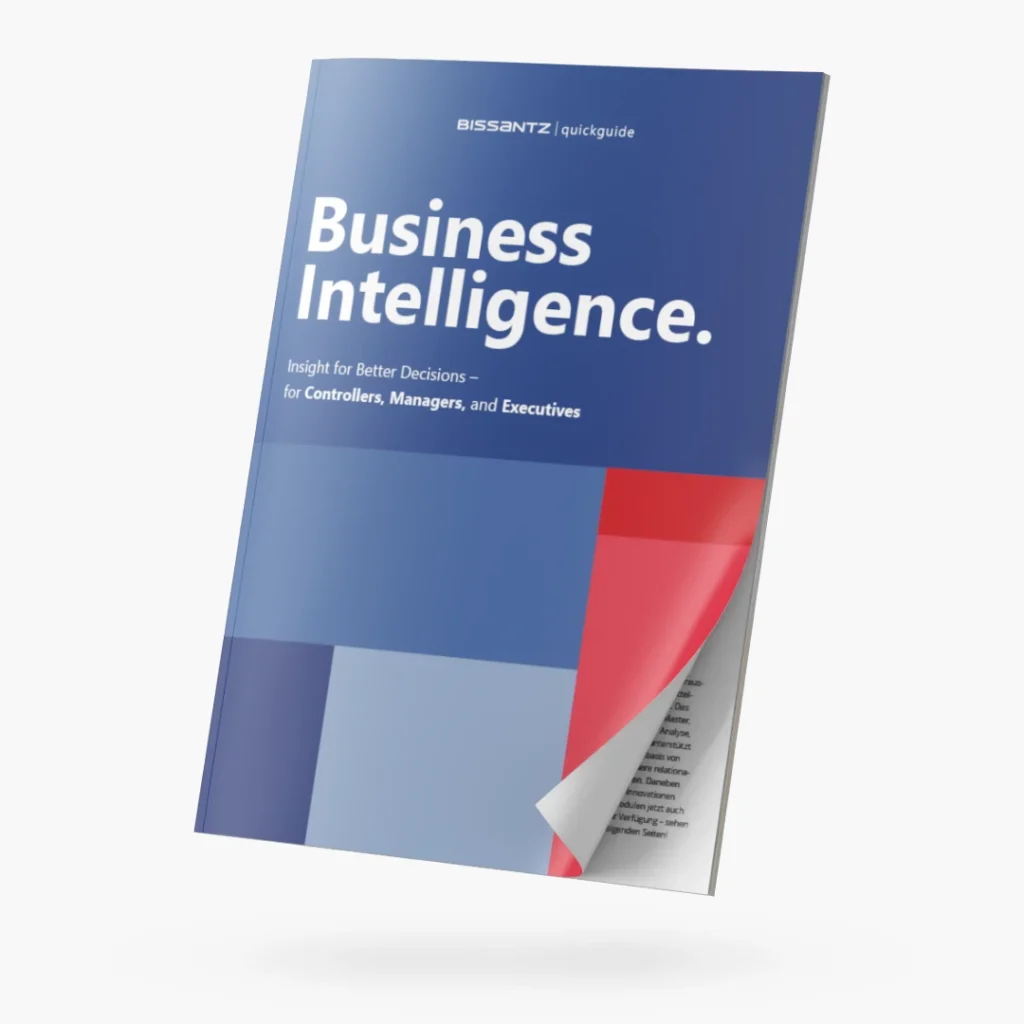
Quickguide "Business Intelligence" – download now